Help and contact
Attributes
- Color:
Black
- Fits / Used For:
Aimpoint Micro
- Height: -
- Delivery weight: 0,113kg
- UPC: 856481007119
Item details
Made in USA

 (0)
(0) 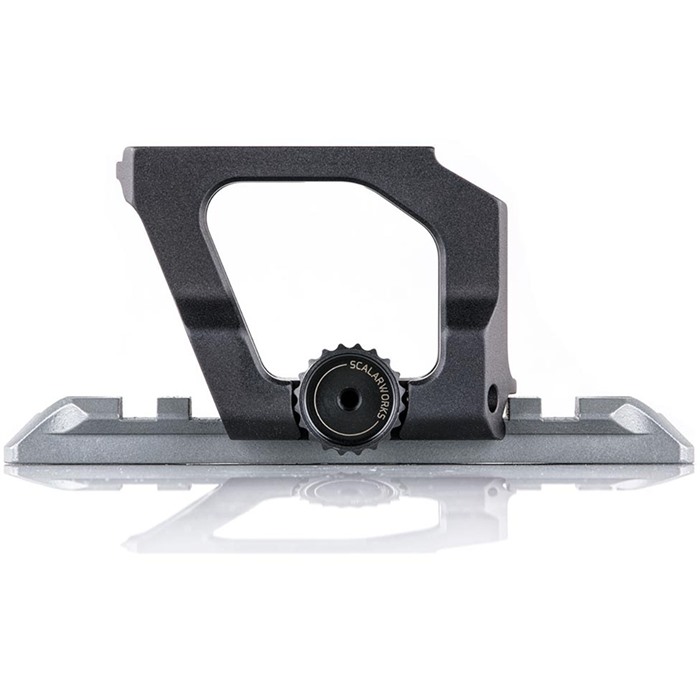
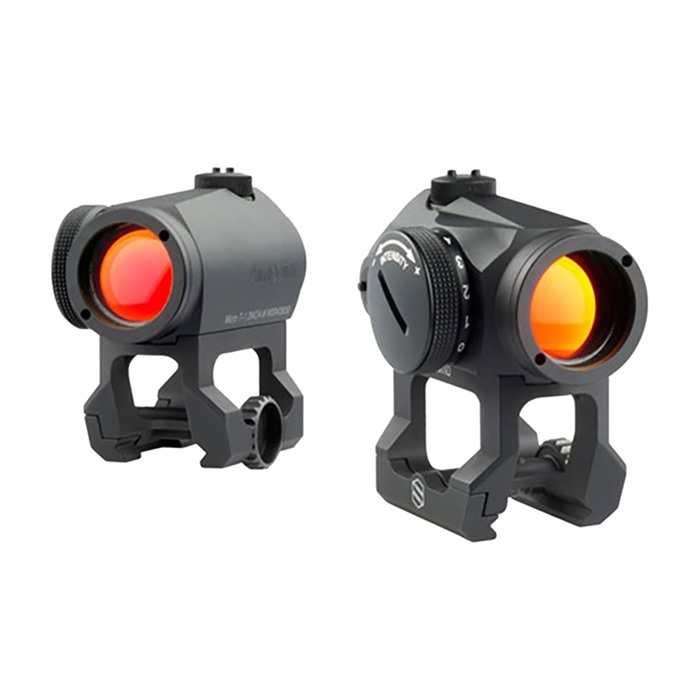
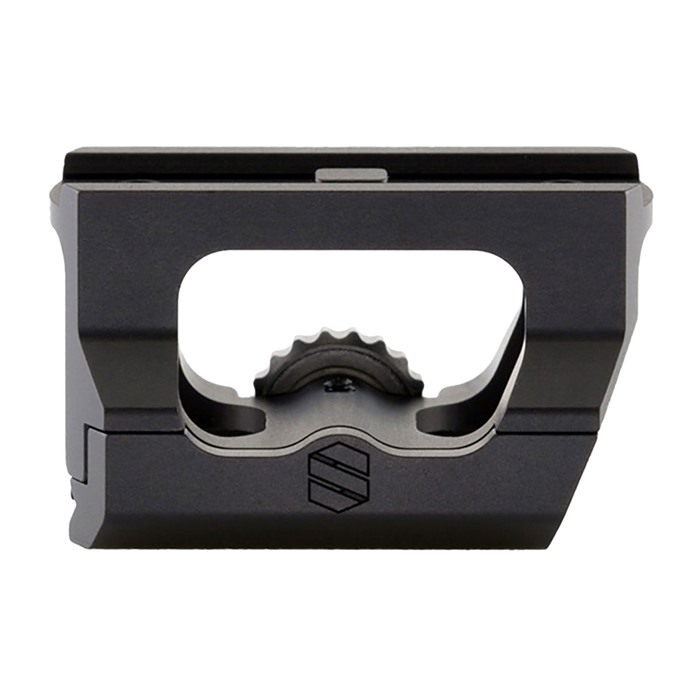
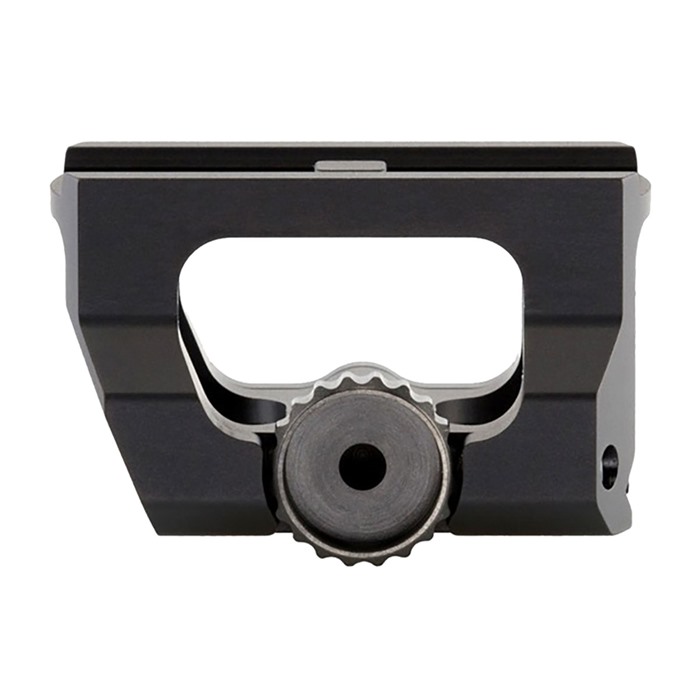
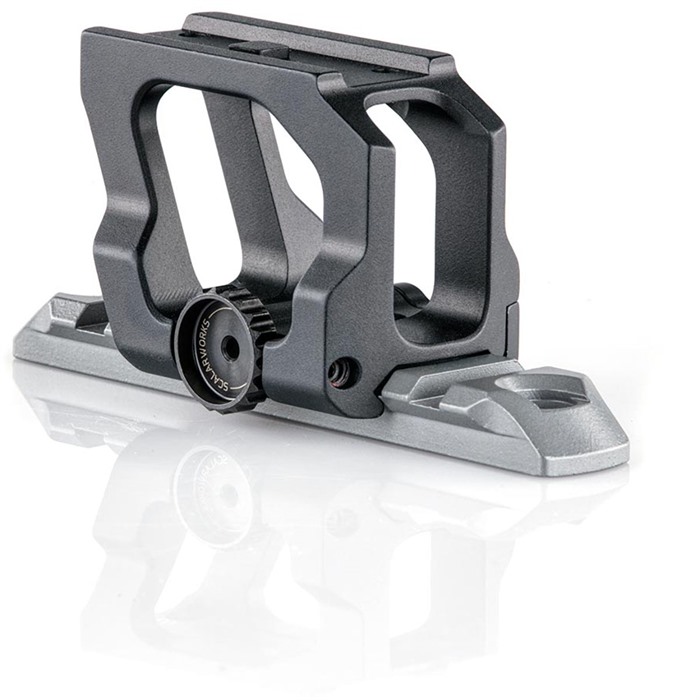
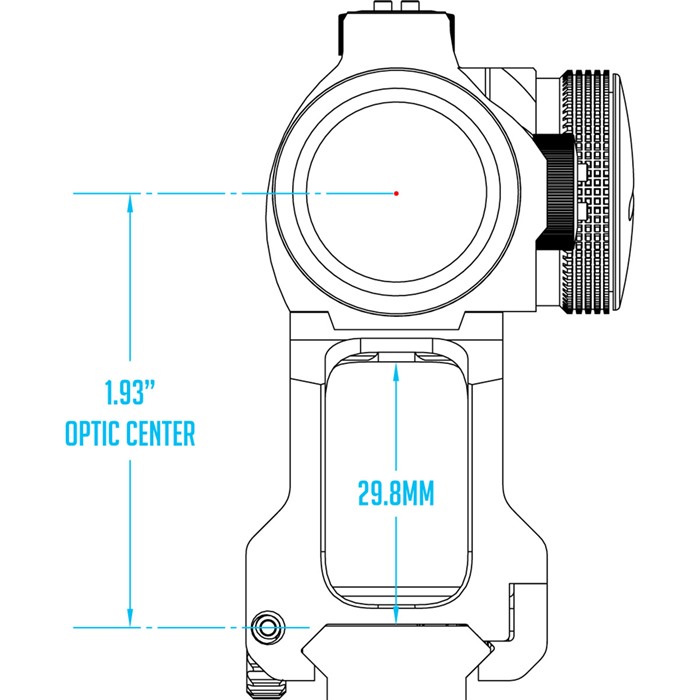
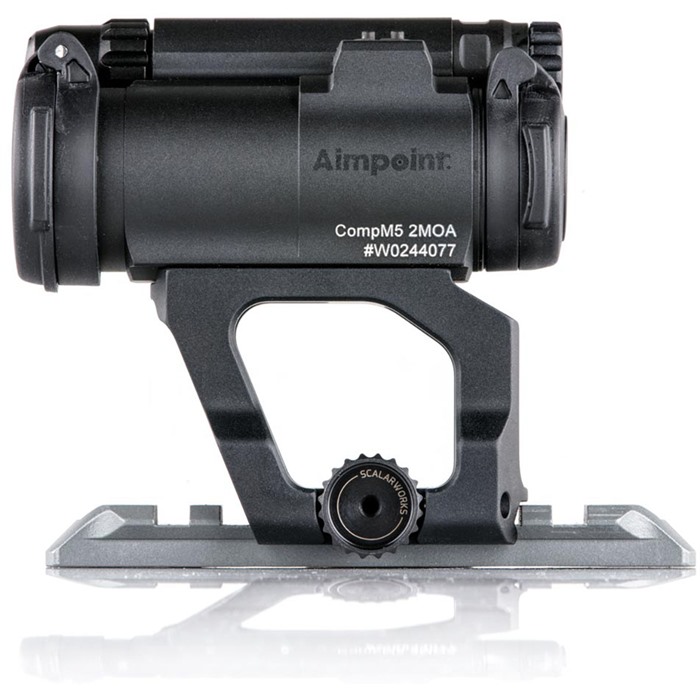
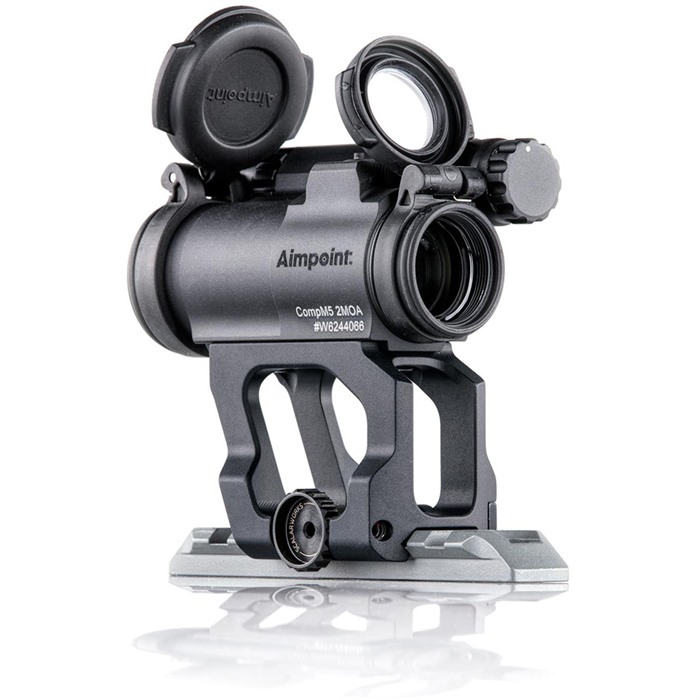
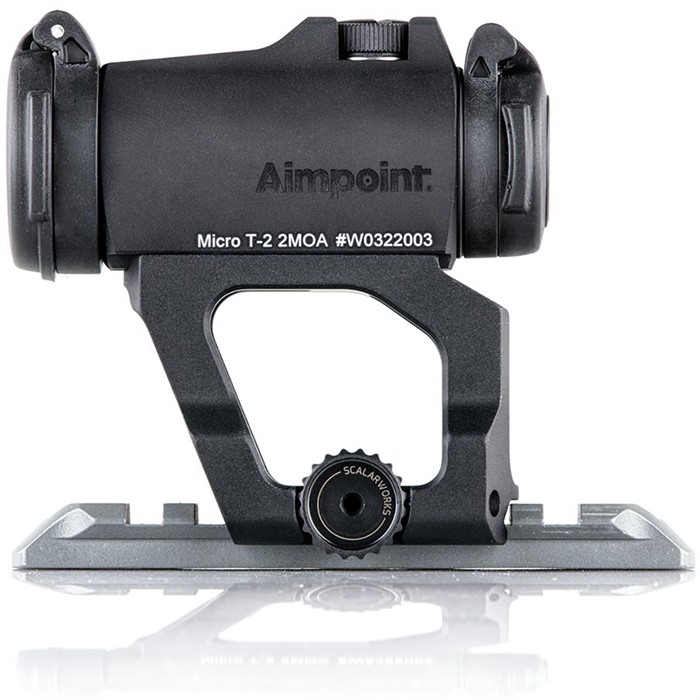
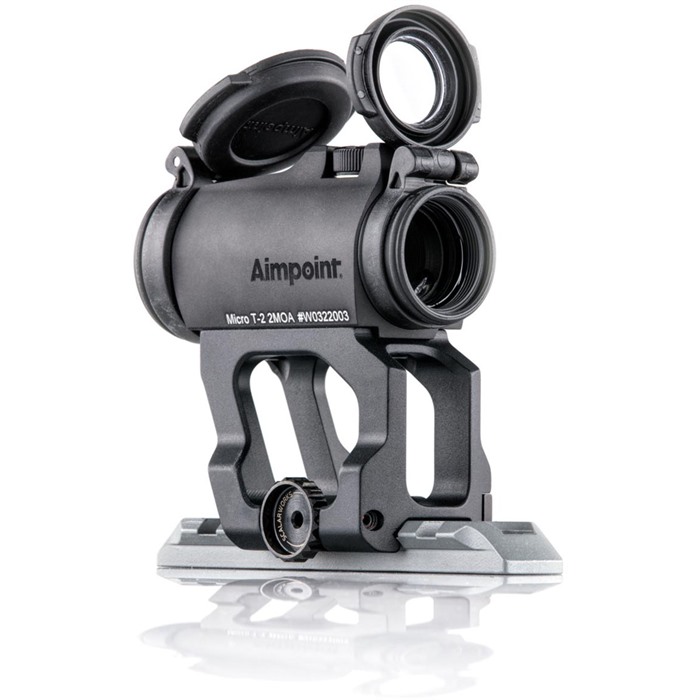
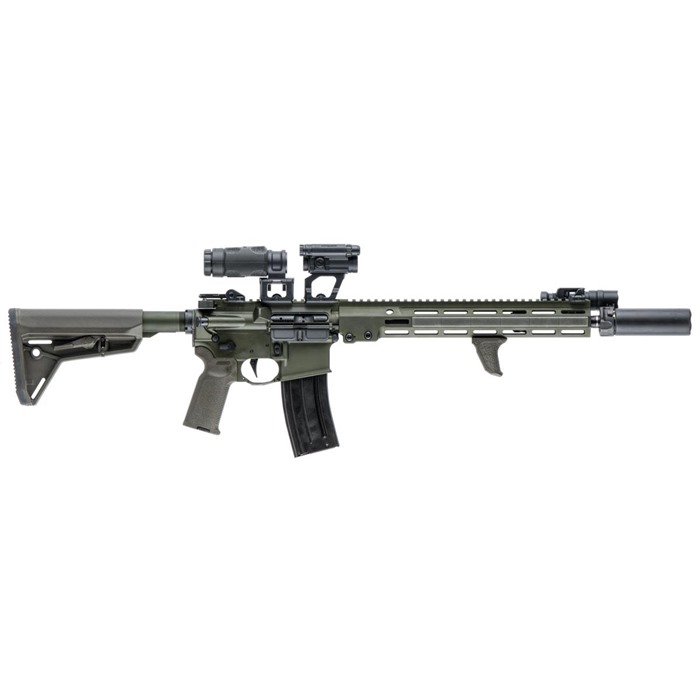
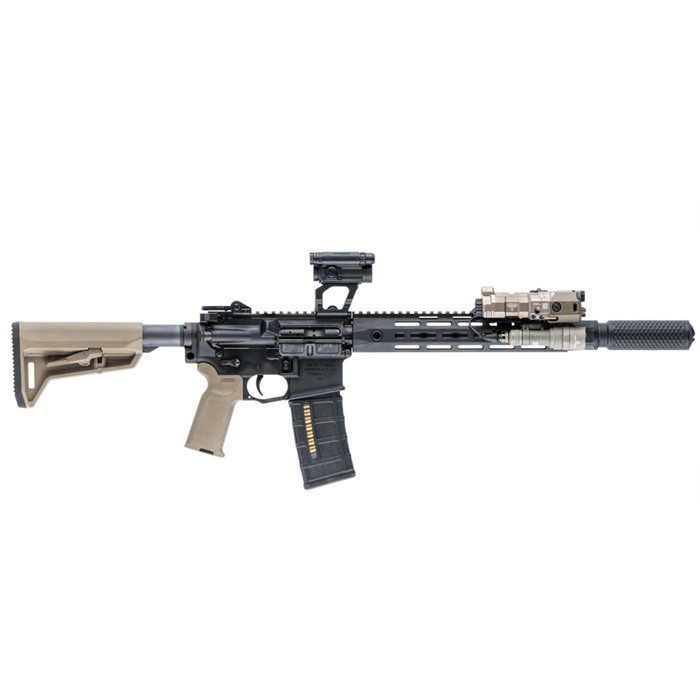
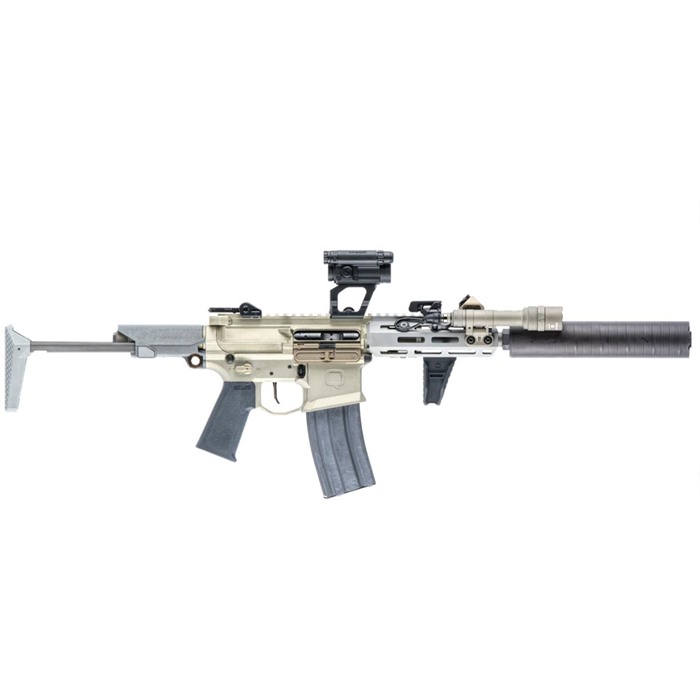
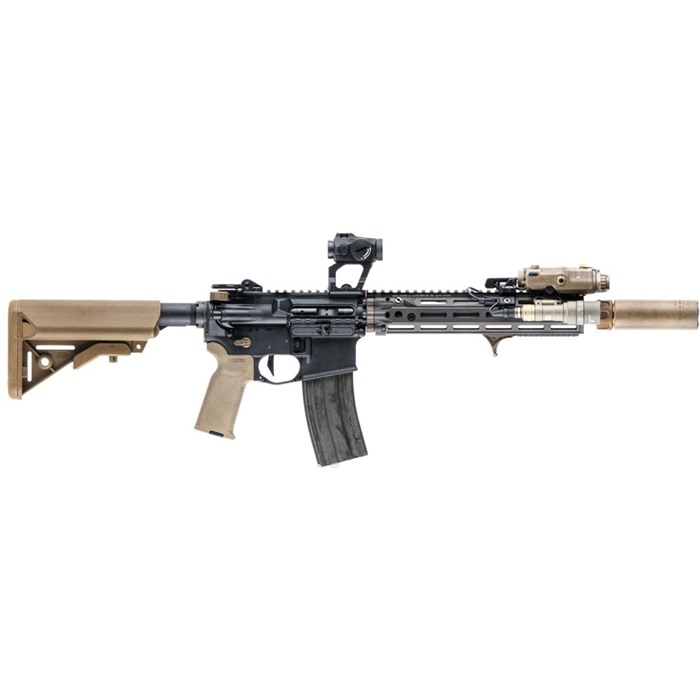
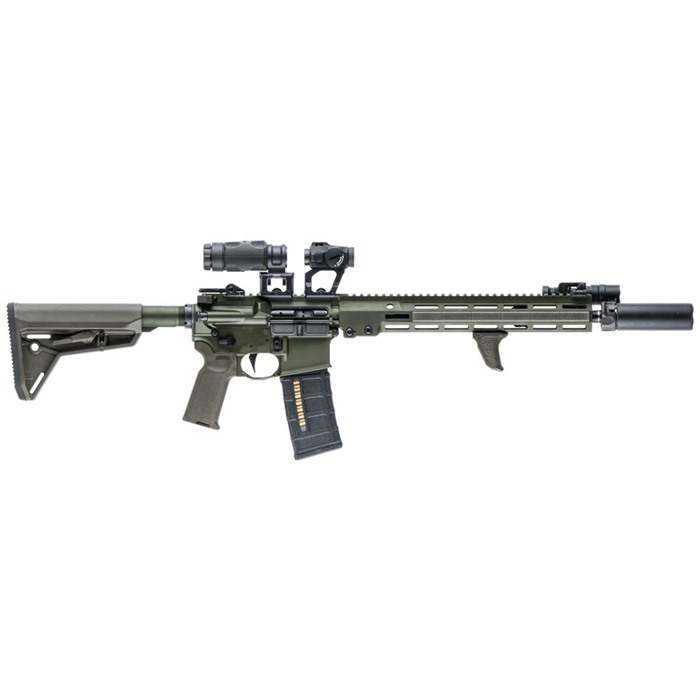
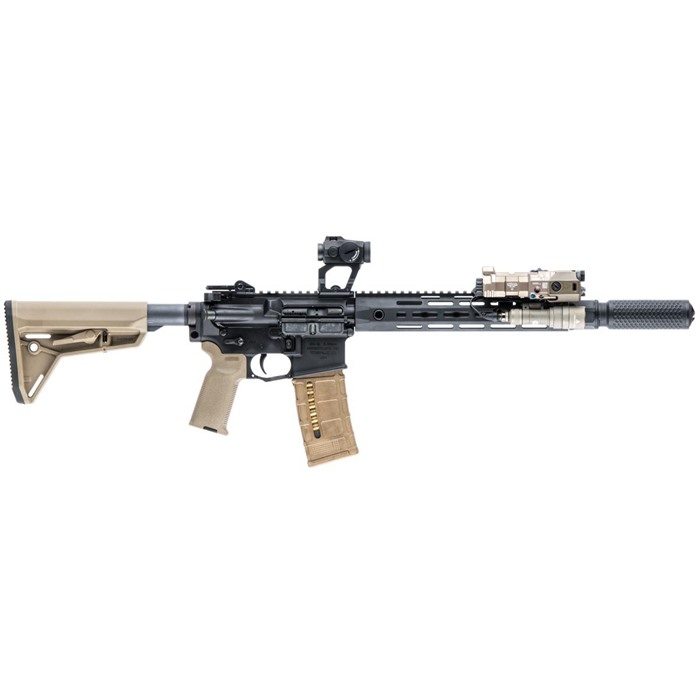
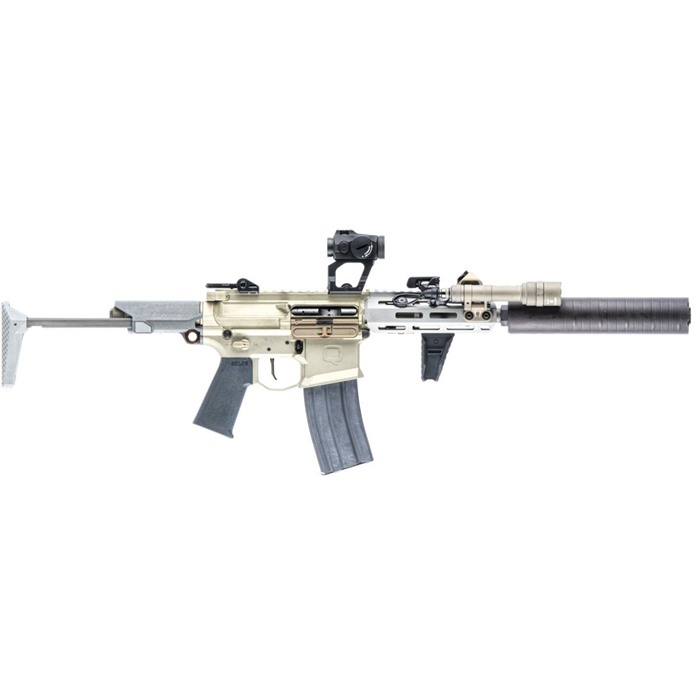
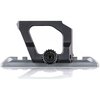
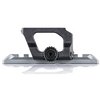
SPECS: Compatible with Aimpoint Micro T-1, T-2, H1, H-2, Vortex Sparc II, Hi-Lux Micro-Max B-Dot. Materials: 7075-T6 Aluminum, 4140 High Tensile Steel. Finish: Mil-A-8625 Type III Hard coat Anadozing/Black Nitride. Absolute Aimpoint Micro Low Drag Mount: Weight- 1.29oz, Height- 36mm(1.42"). Lower Third Aimpoint Micro Low Drag Mount: Weight- 1.33oz, Height- 39mm (1.54").
Black
Aimpoint Micro
We encountered an error while loading this content. Please refresh the page to continue. If the issue persists, contact our customer support.
to Brownells Europe, your destination for anything gun related. With our roots in a genuine passion for firearms, we bring you an unmatched selection of Gun Parts, Firearm Accessories, Gunsmithing Tools, Scopes & Red Dot Sights and Expert Knowledge.
Whether you're looking to maintain, repair, or upgrade, we've got what you need!
For Shooters, By Shooters
We share your enthusiasm and know exactly what you're looking for because we're part of the community.
Massive Selection
From the essentials to the unique, find everything under one roof.
Our blend of tradition and innovation
Shop with the convenience of modern technology, backed by a legacy of experience.
Browse our collection and discover why we're the trusted name in shooting sports & hunting.


 Classical view
 Mobile view