WFT 2 Trimmer Safety Instructions
Introduction
Thank you for choosing the WFT 2 Trimmer from Little Crow Gunworks. This product has been designed with safety and efficiency in mind. Please read this safety instruction guide carefully to ensure safe and effective use of the trimmer.
General Safety Guidelines
- Always read and understand the user manual before operating the trimmer.
- Keep the trimmer out of reach of children and vulnerable individuals.
- Inspect the trimmer for any damage before use. Do not use a damaged trimmer.
- Use the trimmer only for its intended purpose as described in the manual.
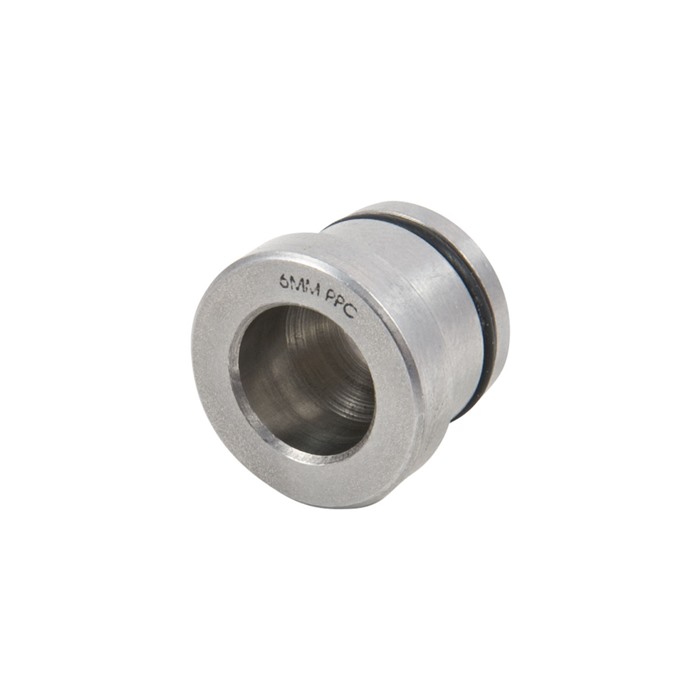
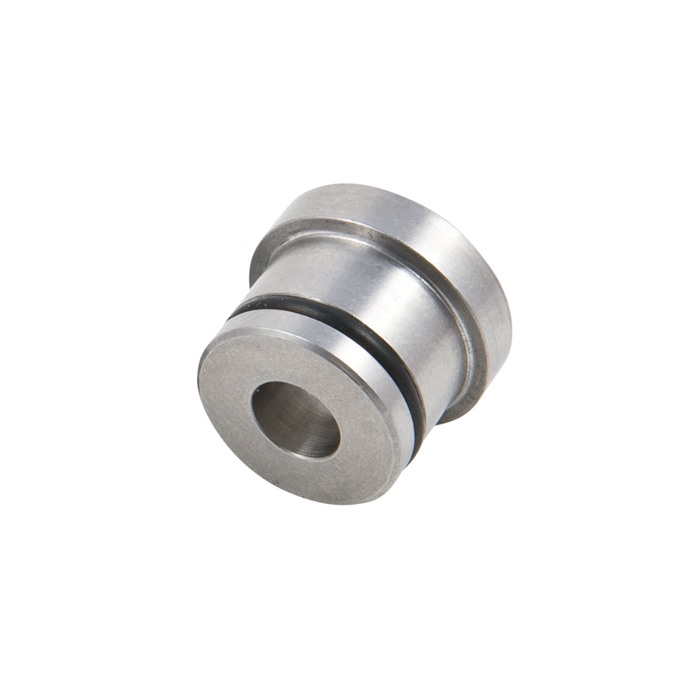
- Ensure that you are using the correct trim chamber for the cartridge you intend to trim.
- Always wear appropriate personal protective equipment (PPE), such as safety glasses and gloves, while operating the trimmer.
- Do not operate the trimmer in wet or damp conditions to prevent electrical hazards.
- Ensure that all adjustments and settings are secure before operating the trimmer.
- Be aware of your surroundings and ensure that no one is within the immediate area while operating the trimmer.
Specific Safety Precautions for Use
- When changing trim chambers, ensure the trimmer is powered off and unplugged.
- Use the provided knockout dowel to remove the trim chamber safely.
- Always push the trim chamber out gently to avoid damaging the trimmer or the chamber.
- When installing a new trim chamber, ensure it is seated properly before securing it.
- Do not attempt to modify or alter the trimmer in any way.
- If you experience any unusual noises or vibrations while using the trimmer, stop using it immediately and inspect for issues.
- Do not leave the trimmer unattended while it is in operation.
Instructions for Installation and Usage
Preparation:
- Ensure you have the correct trim chamber for the cartridge you will be using.
- Place the trimmer on a stable, flat surface.
Installing the Trim Chamber:
- Set the trim chamber on the flat surface.
- Align the housing with the trim chamber.
- Steadily push the housing onto the trim chamber until it is securely fitted.
Setting the Cutter Depth:
- Insert a "master case" into the trim chamber.
- Slide the cutter up to the case mouth.
- Tighten the set screws to secure the cutter in place.
Trimming Process:
- Power on the trimmer and begin trimming the cartridge cases.
- Monitor the trimming process to ensure precision and cleanliness.
- After trimming, remove the cartridge cases and inspect them for any imperfections.
Changing Trim Chambers:
- Power off the trimmer and unplug it.
- Remove the cutter.
- Use the knockout dowel to gently push out the trim chamber.
- Follow the installation instructions to replace with a new trim chamber.
Disposal Instructions
- Dispose of any packaging materials in accordance with local regulations.
- If the trimmer becomes nonfunctional or is no longer needed, consider recycling it where facilities are available.
- Do not dispose of the trimmer in regular household waste.
Contact Information for Further Support
For any inquiries regarding safety or product support, please reach out to the designated support channels provided with your product.
By following these safety instructions, you can ensure a safe and efficient experience with your WFT 2 Trimmer. Thank you for your attention to safety.