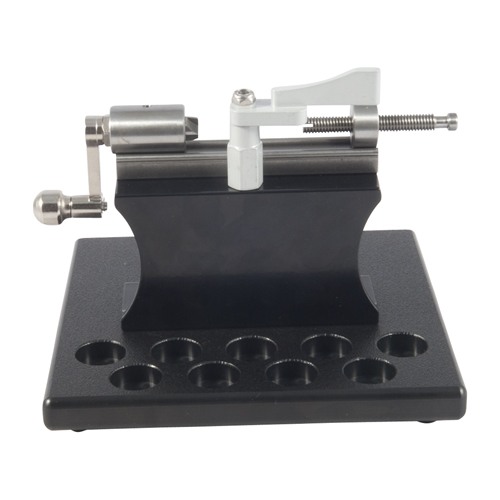
Safety Instruction Guide for Stainless Steel Case Trimmer Kit with Platform
Introduction
Thank you for purchasing the Stainless Steel Case Trimmer Kit with Platform from Sinclair International. This guide provides essential safety instructions to ensure the safe and effective use of your case trimmer kit. Please read this guide carefully before use to avoid accidents and injuries.
General Safety Guidelines
- Always read and understand the user manual before operating the case trimmer.
- Keep the workspace clean and organized to prevent accidents.
- Ensure that the work area is welllit to enhance visibility.
- Use personal protective equipment (PPE) such as safety glasses and gloves when operating the trimmer.
- Keep the trimmer out of reach of children and vulnerable individuals.
- Regularly inspect the trimmer for any signs of damage or wear before use.
- Follow all local regulations regarding the use and disposal of equipment.
Specific Safety Precautions for Use
- Ensure that the case holder clamp is securely attached before starting the trimming process.
- Avoid placing hands or fingers near the trimming area while the trimmer is in operation.
- Do not attempt to modify or alter any parts of the trimmer or platform.
- Always use the trimmer on a stable surface to prevent tipping or accidents.
- Do not overload the platform with excessive weight or case holders beyond the recommended capacity.
- If you experience any unusual noises or vibrations during operation, stop using the trimmer immediately and inspect for issues.
Instructions for Installation and Usage
Unpacking the Kit
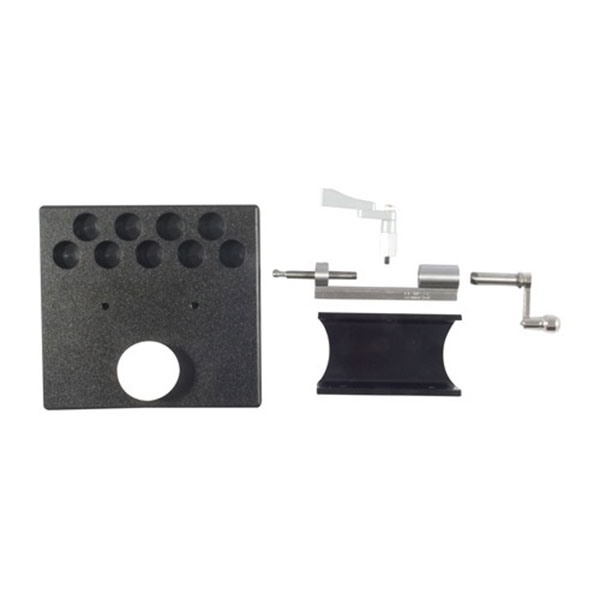
- Carefully remove the trimmer, platform, and any additional components from the packaging.
- Check for any missing parts or damage during shipping.
Setting Up the Platform
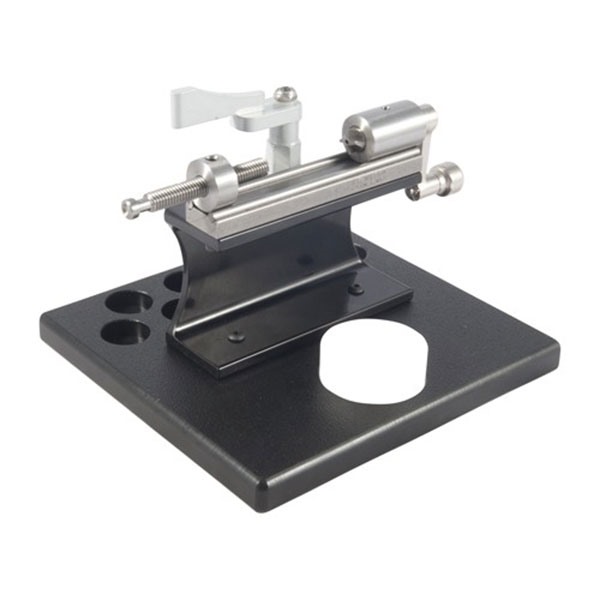
- Place the Sinclair Trimmer Platform on a stable and level surface.
- If desired, use Cclamps to secure the platform to the workbench for added stability.
- Ensure that the rubber feet are properly positioned to prevent slipping.
Attaching the Case Trimmer
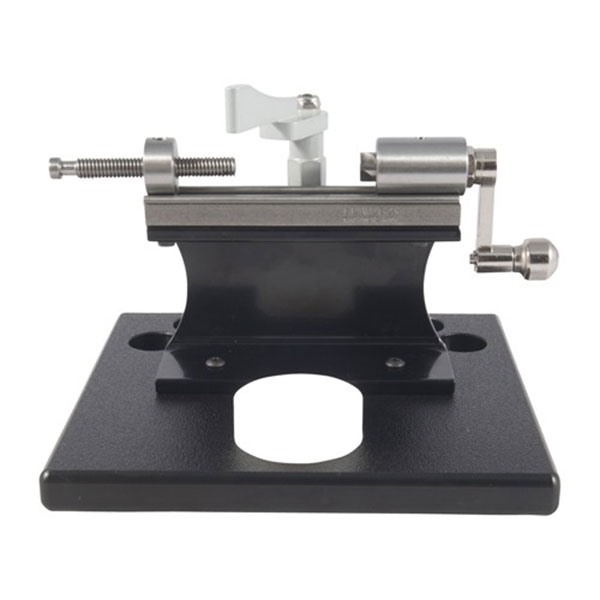
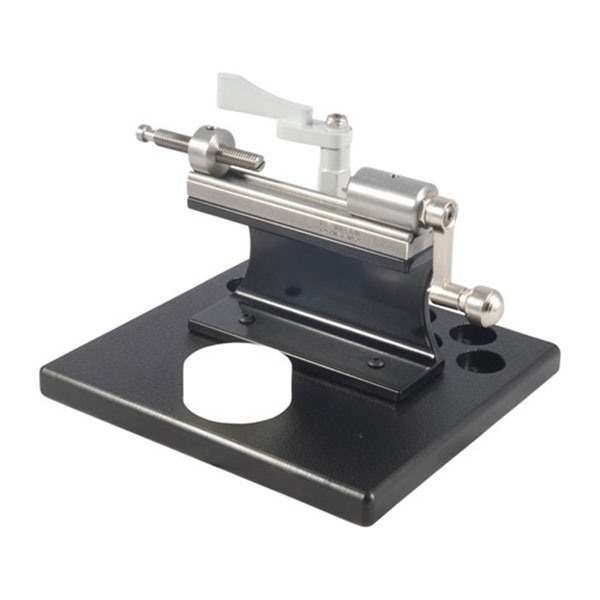
- Insert the L.E. Wilson Case Trimmer into the designated slot on the platform.
- Ensure it is firmly seated and securely fastened.
Using the SharkFin Case Holder Clamp
- Select the appropriate case holder for your needs (sold separately).
- Attach the case holder to the SharkFin clamp.
- Swing the clamp into position, ensuring it applies downward pressure on the case holder.
Trimming Cases
- Insert the case into the holder and ensure it is properly aligned.
- Start the trimming process by turning the trimmer handle smoothly.
- Keep hands clear of the trimming area at all times.
After Use
- Turn off and unplug the trimmer when not in use.
- Clean the trimmer and platform to remove any debris or residue.
- Store the kit in a dry and safe location away from children.
Disposal Instructions
- Dispose of any packaging materials in accordance with local recycling regulations.
- When the trimmer reaches the end of its life, dispose of it as electronic waste at a designated recycling facility.
- Ensure that all components are disposed of responsibly and in compliance with local laws.
Contact Information for Further Support
For any inquiries regarding safety, usage, or support, please refer to the manufacturer’s website or contact their customer service for assistance.
By following these safety instructions, you can ensure a safe and effective experience with your Stainless Steel Case Trimmer Kit with Platform. Thank you for choosing Sinclair International.