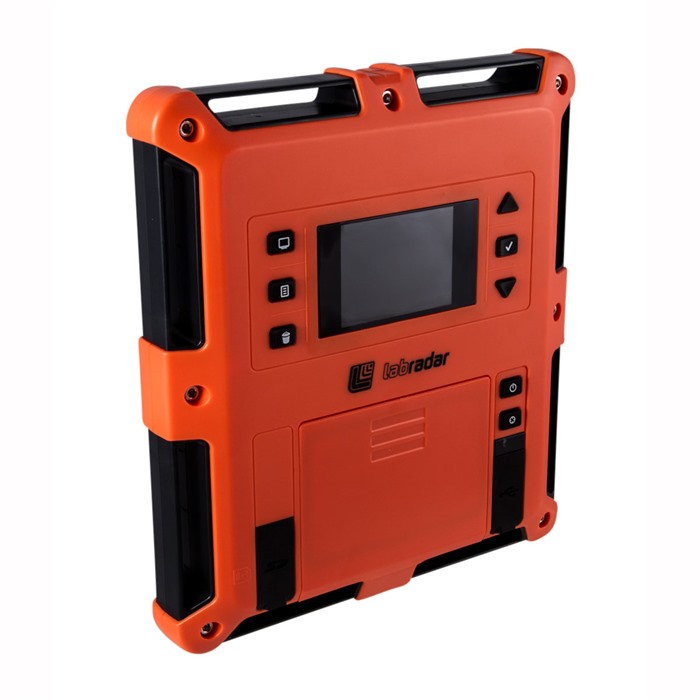
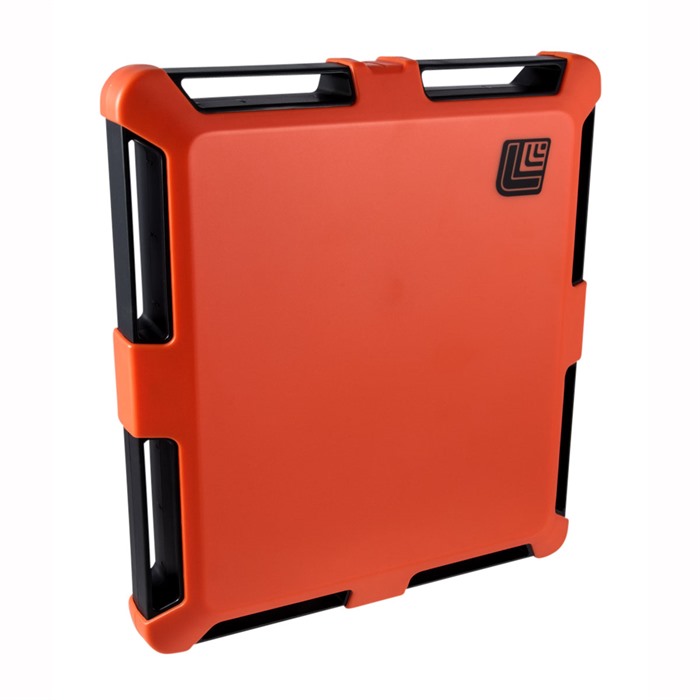
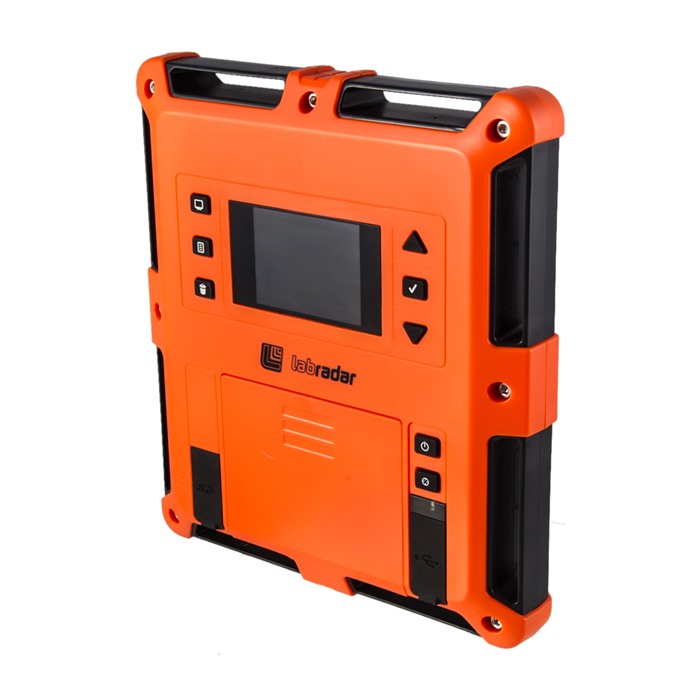
LABRADAR DOPPLER CHRONOGRAPH Consumer Safety Instructions
Introduction
Thank you for choosing the LabRadar Doppler Chronograph. This guide provides essential safety instructions to ensure the safe and effective use of your product. Please read this document carefully before using the chronograph to understand potential hazards and how to avoid them.
General Safety Guidelines
- Always use the LabRadar Doppler Chronograph according to the manufacturer's instructions.
- Ensure the device is used in a safe environment, away from bystanders.
- Keep the unit out of reach of children and vulnerable individuals.
- Regularly inspect the device for any signs of damage or malfunction.
- Do not attempt to repair the chronograph yourself. Contact a qualified technician for repairs.
- Report any safety concerns or incidents related to the product to the relevant authorities.
- Stay informed about product recalls by checking the EU's Safety Gate platform.
Specific Safety Precautions for Use
- Avoid Eye Exposure: Do not look directly at the radar sensor when the device is in operation.
- Proper Positioning: Ensure the LabRadar is positioned correctly next to the shooter, pointing towards the target.
- Shooting Environment: Use the chronograph in a welllit area, but avoid direct sunlight to prevent interference.
- Distance from Target: Maintain a safe distance from the target to avoid injury from projectiles.
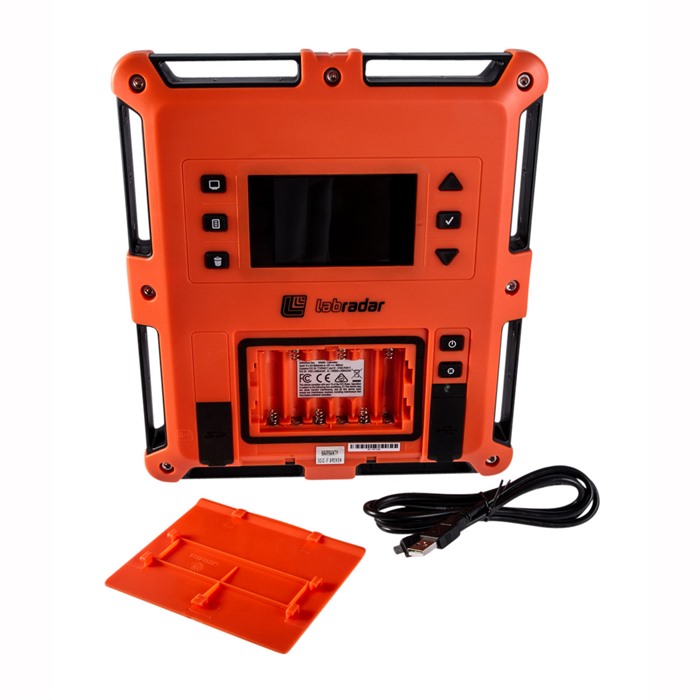
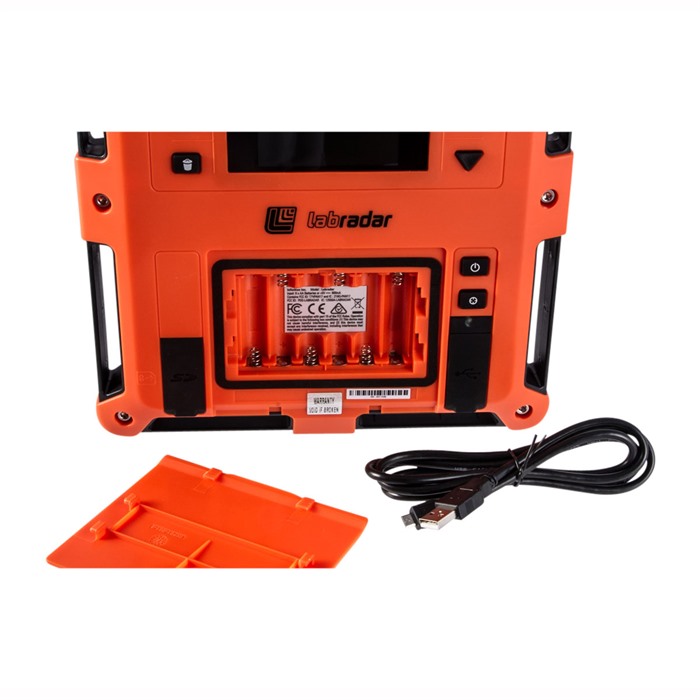
- Battery Safety: Use only six AA batteries as specified. Dispose of old batteries properly and do not mix different battery types.
- Tripod Stability: Ensure the unit is securely mounted on a stable tripod to prevent tipping or falling.
Instructions for Installation and Usage
Setup:
- Unpack the LabRadar Doppler Chronograph and check for any visible damage.
- Insert six AA batteries into the battery compartment, ensuring correct polarity.
- Mount the chronograph onto a standard tripod using the 1/4"20 tpi threads.
Positioning:
- Place the LabRadar unit next to your shooting position.
- Aim the device towards the target area, ensuring no obstructions are in the line of sight.
Operation:
- Turn on the device using the power button.
- Select the desired settings using the control panel.
- Begin shooting, ensuring that the projectile passes through the radar beam.
Data Recording:
- The LabRadar will automatically record shot series and calculate velocity data.
- Access the recorded data via the downloadable interface to your PC for further analysis.
Power Off:
- After use, turn off the device and remove the batteries if not in use for an extended period.
Disposal Instructions
- Dispose of the LabRadar Doppler Chronograph in accordance with local regulations regarding electronic waste.
- Remove batteries before disposal and recycle them at designated battery recycling points.
- Do not dispose of the device in regular household waste.
Contact Information for Further Support
For safety inquiries, product support, or further assistance, please refer to the manufacturer's official website or contact your local distributor. Always ensure you have the model information ready for efficient assistance.
By following these safety instructions, you can ensure a safe and enjoyable experience with your LabRadar Doppler Chronograph. Thank you for your attention to safety.