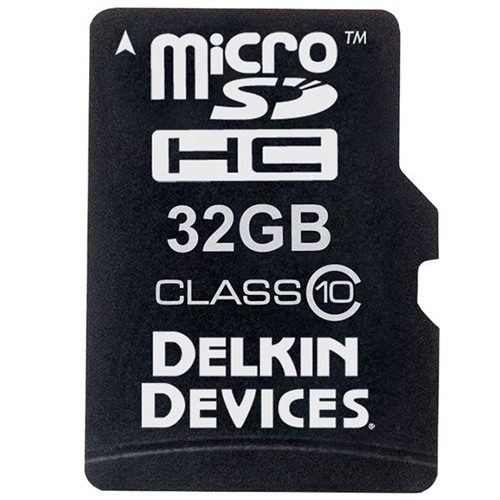
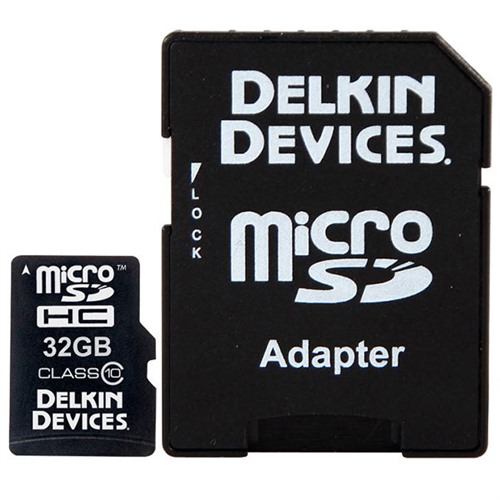
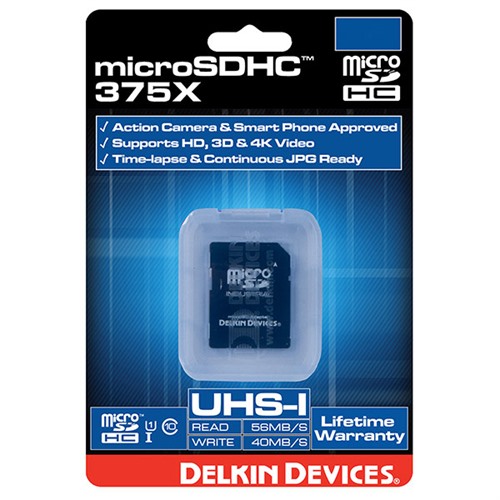
GAME CAMERA MICRO SD CARDS DELKIN DEVICES CLASS 10 MICRO SD CARD 32GB Safety Instruction Guide
Introduction
Thank you for choosing the Delkin Devices Class 10 Micro SD Card (32GB). This guide provides important safety instructions and guidelines to ensure the safe and effective use of your microSD card. Please read this manual carefully before using the product.
General Safety Guidelines
- Ensure that the microSD card is used in compatible devices only.
- Keep the microSD card away from moisture, extreme temperatures, and direct sunlight.
- Do not expose the microSD card to physical shock or pressure.
- Handle the microSD card with care to avoid damage to the card or your devices.
- Store the microSD card in its protective case when not in use.
Specific Safety Precautions for Use
- Avoid using the microSD card in devices that do not support UHSI technology.
- Do not remove the microSD card from the device while data is being written or read, as this may cause data loss or corruption.
- If you notice any physical damage to the microSD card, discontinue use immediately and replace it.
- Keep the microSD card out of reach of children to prevent accidental swallowing or injury.
Instructions for Installation and Usage
Inserting the microSD Card:
- Ensure that your device is powered off before inserting the microSD card.
- Locate the microSD card slot on your device.
- Gently slide the microSD card into the slot until it clicks into place.
Using the microSD Card:
- Turn on your device to recognize the microSD card.
- Follow the device instructions to format the card if necessary.
- Use the microSD card for storing photos, videos, and other data as per your device's capabilities.
Transferring Data:
- Use a compatible card reader or the SD adapter included to transfer data between your microSD card and computer.
- Ensure that data transfer is complete before removing the card from the device.
Removing the microSD Card:
- Always safely eject the microSD card from your device before removal to prevent data loss.
- Turn off the device before physically removing the card for added safety.
Disposal Instructions
- Dispose of the microSD card in accordance with local electronic waste disposal regulations.
- Do not throw the microSD card in regular trash as it may contain materials harmful to the environment.
- Consider recycling options available in your area for electronic devices.
Contact Information for Further Support
For safety inquiries or additional support, please refer to the manufacturer's website or customer service resources.
Thank you for your attention to these safety guidelines. Enjoy using your Delkin Devices Class 10 Micro SD Card!