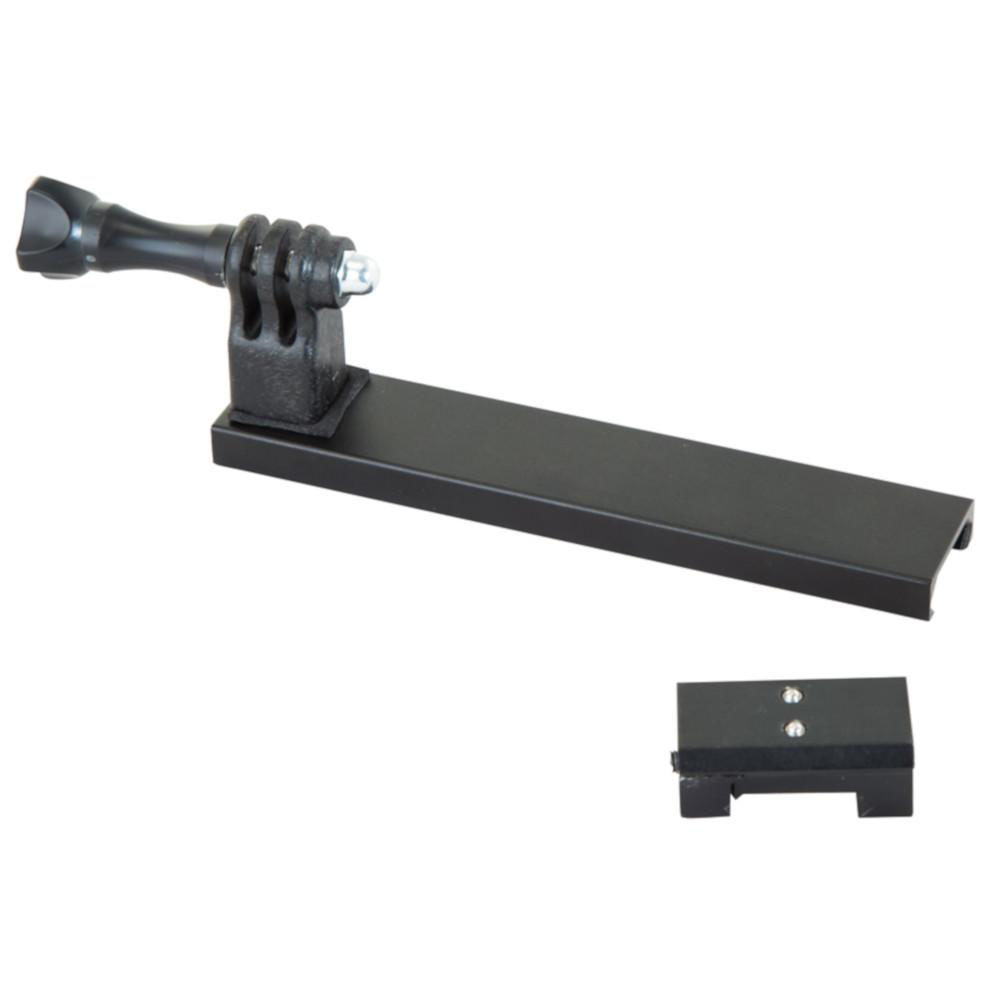
Caldwell Pic Rail Go Pro Mount Safety Instruction Guide
Introduction
Thank you for choosing the Caldwell Pic Rail Go Pro Mount. This mount is designed to securely attach your action camera to your rifle, allowing you to capture unique action video footage. To ensure your safety and the safe operation of this product, please read and follow the instructions and safety guidelines outlined in this document.
General Safety Guidelines
- Always inspect the mount before each use to ensure it is in good condition.
- Do not use the mount if it shows signs of wear, damage, or malfunction.
- Ensure that the mount is compatible with your specific rifle model and action camera.
- Keep the mount and all accessories out of reach of children and pets.
- Always follow the manufacturer's instructions for your action camera and rifle.
- Be aware of your surroundings when using the mount, particularly in shooting environments.
- Report any unsafe products or incidents to the appropriate authorities.
- Check for recall updates on the EU’s Safety Gate platform regularly.
Specific Safety Precautions for Use
Hazard Identification:
- Risk of camera detachment during use, which may result in injury or damage.
- Risk of firearm misalignment if the mount is improperly attached.
- Risk of personal injury due to recoil if the mount is not securely fastened.
Avoiding Hazards:
- Ensure the thumbscrew is tightened securely before each use.
- Adjust the camera angle only when the firearm is not loaded and pointed in a safe direction.
- Do not exceed the weight limit of the mount as specified in the product specifications.
- Use the mount only with compatible rifles and cameras to avoid accidents.
AgeSpecific Warnings:
- This product is not intended for use by children. Keep it out of reach of minors.
- Ensure that adult supervision is present when the product is used in environments where children are present.
Instructions for Installation and Usage
Installation:
- Ensure your rifle is unloaded and pointed in a safe direction.
- Locate the Picatinny rail on your rifle.
- Align the mount with the rail and slide it into position.
- Use the thumbscrew to tighten the mount securely onto the rail. Ensure it is firmly locked in place.
Camera Attachment:
- Attach your action camera to the mount according to the camera manufacturer's instructions.
- Adjust the camera angle by loosening the thumbscrew on the adjustable bracket. Once the desired angle is achieved, tighten the thumbscrew to lock the camera in place.
Usage:
- Always check that the mount and camera are securely attached before use.
- Be mindful of the camera's recording settings before you begin filming.
- After use, remove the camera from the mount and store both the mount and camera in a safe place.
Disposal Instructions
- Dispose of the mount and any packaging materials in accordance with local regulations.
- Do not dispose of the mount in household waste. Check for recycling options in your area.
- If the product is damaged beyond repair, ensure it is disposed of safely to prevent injury.
Contact Information for Further Support
For any questions or concerns regarding the Caldwell Pic Rail Go Pro Mount, please refer to the manufacturer's website or customer service resources. It is important to have access to support for any safety inquiries or product issues.
By following these safety instructions, you can ensure a safe and enjoyable experience while using the Caldwell Pic Rail Go Pro Mount. Always prioritize safety and responsible use when engaging in shooting activities. Thank you for your attention and cooperation.