Help and contact
Attributes
- Style:
Plugs
- Delivery weight: 0,5kg
- UPC: 661120259961

 (0)
(0) 

Plugs
Prices incl. VAT, plus delivery
Product no.: EU2009885
Mfr. No.: 1136234
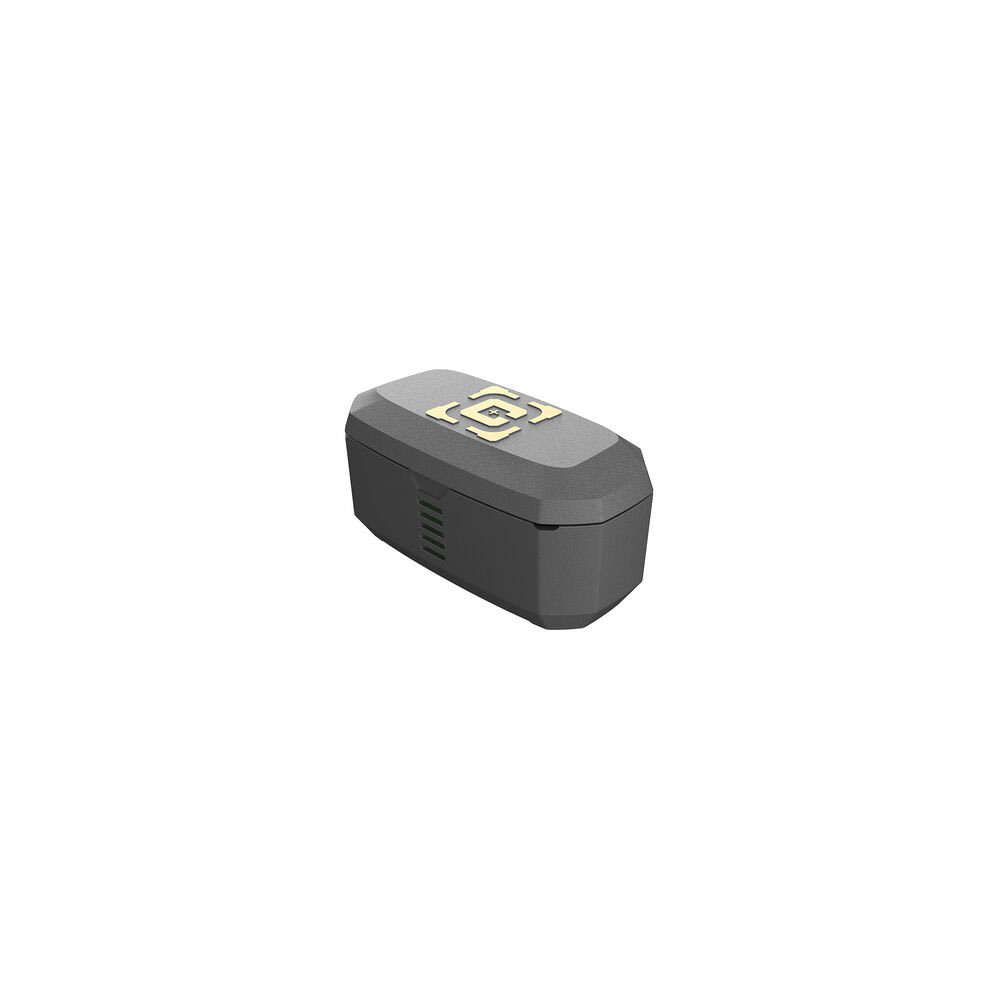
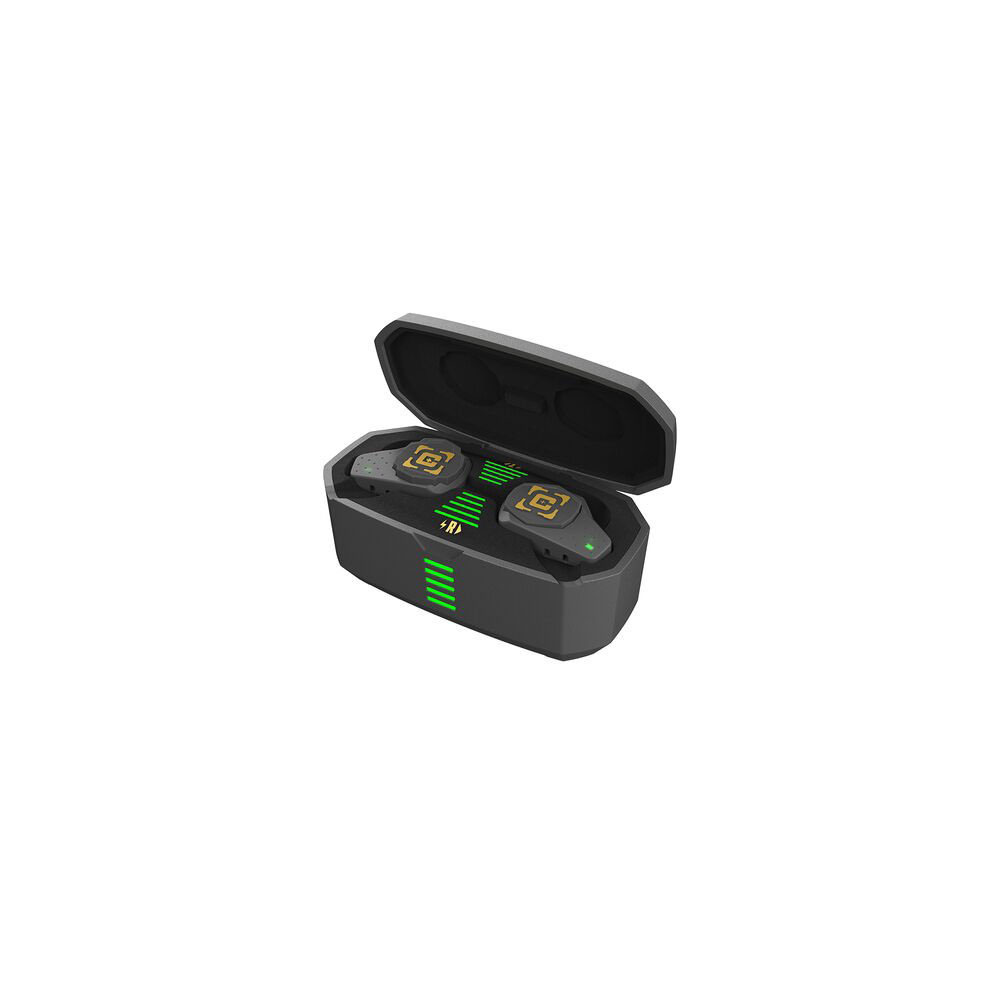
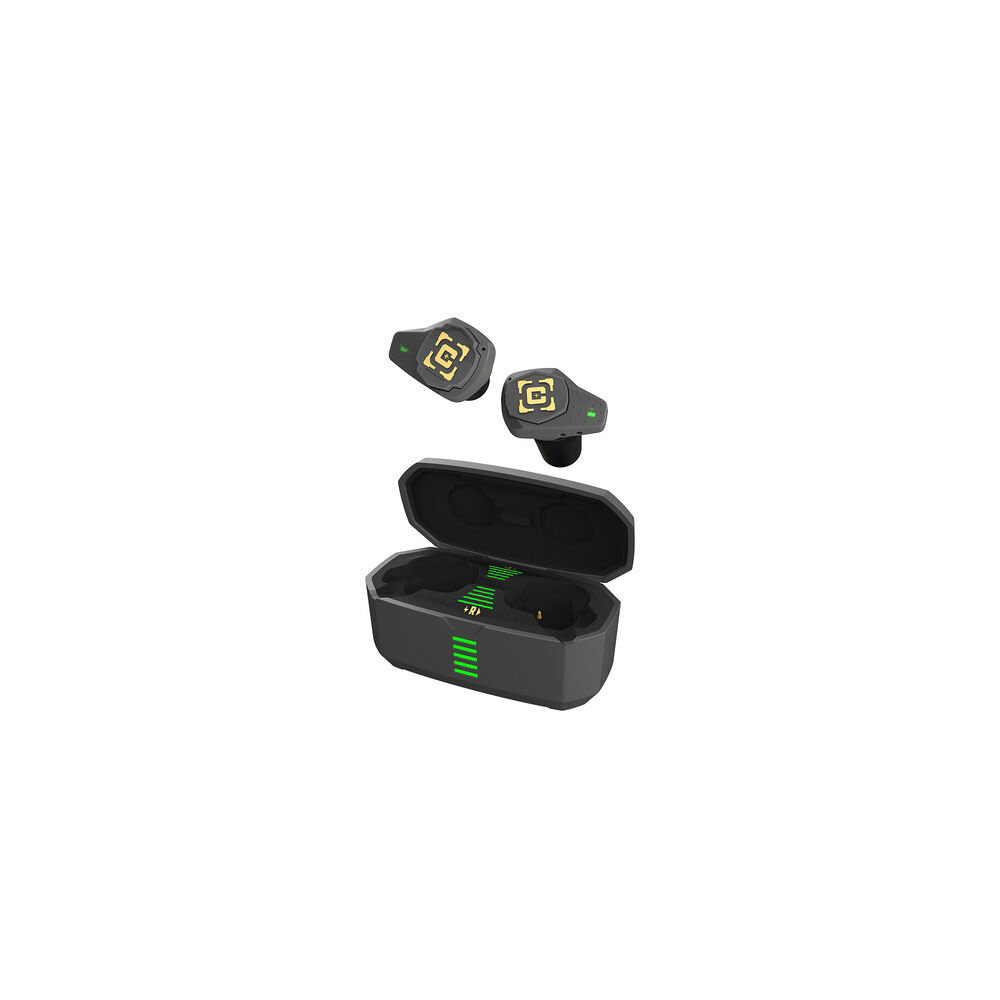
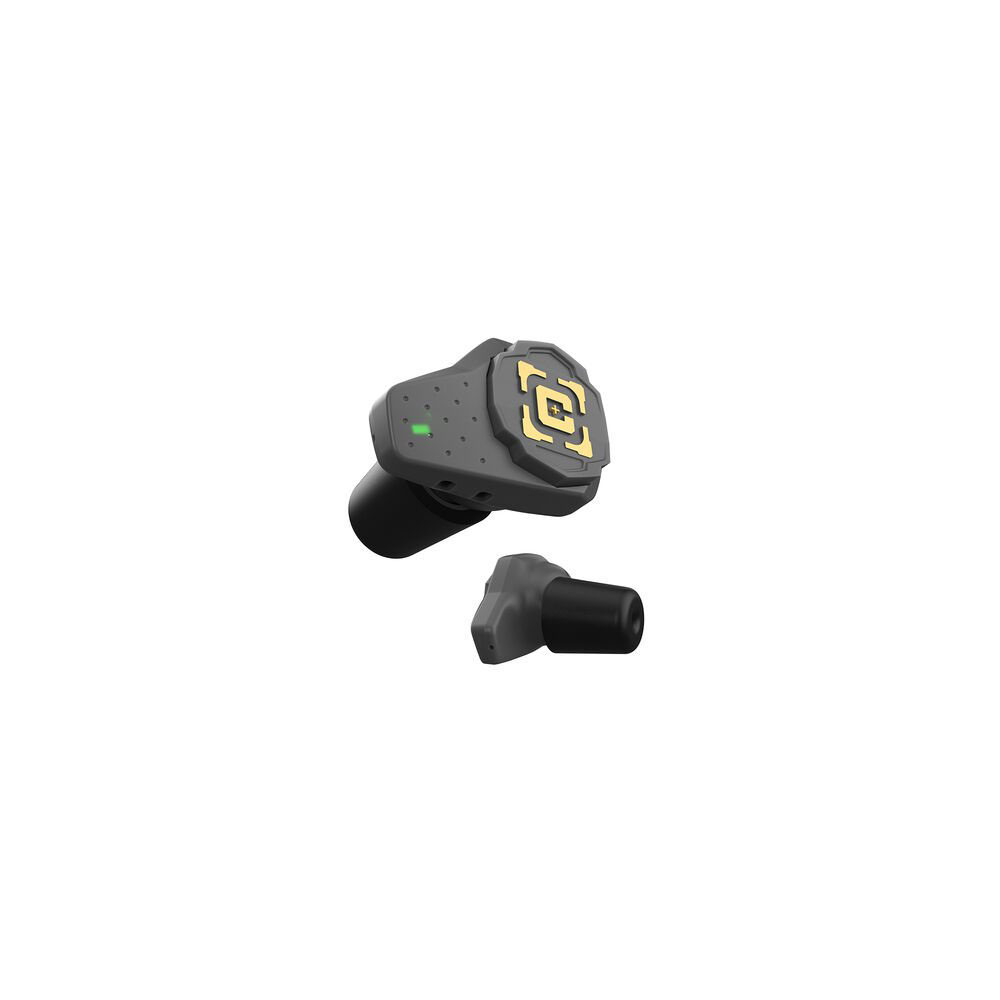
661120259961 The E-MAX Shadows Pro are your favorite E-MAX Shadows with some new bells and whistles. The E-MAX Shadows Pro connect via Bluetooth to your device for up to 6 hours of music or phone calls. The redesigned pro version of the Shadows feature push button controls to make it easy to adjust ambient noise, change volume, answer phone calls, and control your voice assistant app like Siri. This product contains an optional magnetic lanyard and a rechargeable storage case that has an LED Battery Level indicator for each ear bud so you know when your E-MAX Shadows Pro are fully charged and ready for the range. Like the E-MAX Shadows, these come with multiple size earplug options for a custom fit for anyone. The customer sized foam tips achieve a rating of 25dB NRR.
Delivery time approx. 6-10 days.
2 pcs. in the Europe warehouse
Plugs
We encountered an error while loading this content. Please refresh the page to continue. If the issue persists, contact our customer support.
to Brownells Europe, your destination for anything gun related. With our roots in a genuine passion for firearms, we bring you an unmatched selection of Gun Parts, Firearm Accessories, Gunsmithing Tools, Scopes & Red Dot Sights and Expert Knowledge.
Whether you're looking to maintain, repair, or upgrade, we've got what you need!
For Shooters, By Shooters
We share your enthusiasm and know exactly what you're looking for because we're part of the community.
Massive Selection
From the essentials to the unique, find everything under one roof.
Our blend of tradition and innovation
Shop with the convenience of modern technology, backed by a legacy of experience.
Browse our collection and discover why we're the trusted name in shooting sports & hunting.


 Classical view
 Mobile view