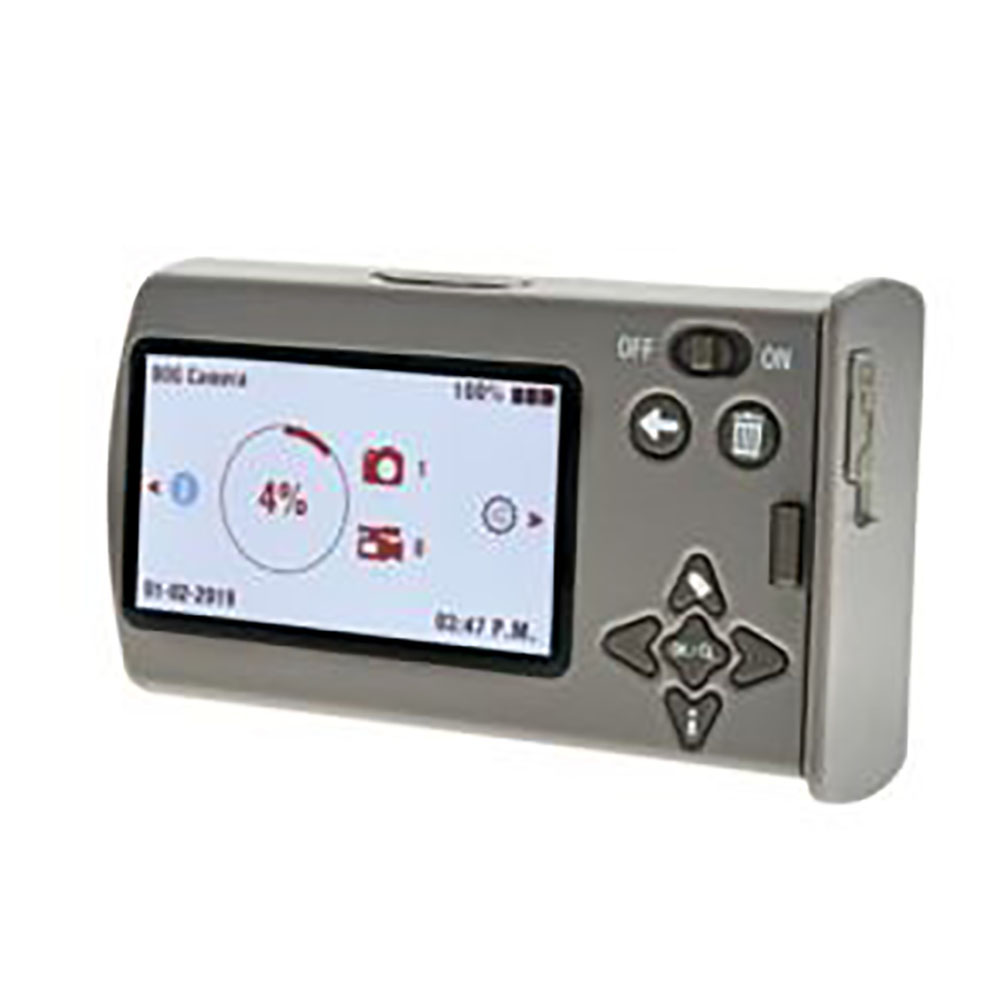
BOG Dominion Viewer/Menu Screen Safety Instruction Guide
Introduction
Thank you for choosing the BOG Dominion Viewer/Menu Screen. This product serves as a secondary viewer for BOG cameras, allowing for quick adjustments to settings and easy swapping of SD cards and batteries. To ensure your safety and the safe operation of the viewer, please read this guide carefully. It contains important safety instructions and guidelines in compliance with the EU General Product Safety Regulation (GPSR).
General Safety Guidelines
- Always read and follow the instructions provided in this guide.
- Ensure that the product is used only for its intended purpose as described.
- Keep the product out of reach of children and vulnerable individuals.
- Regularly check for any signs of damage or wear on the product.
- Report any unsafe products or accidents to the relevant authorities.
- Stay informed about product recalls and safety updates via the EU's Safety Gate platform.
Specific Safety Precautions for Use
- Do not expose the viewer to extreme temperatures, moisture, or direct sunlight.
- Handle the viewer with care to avoid dropping or damaging it.
- Ensure that the viewer is turned off when connecting or disconnecting cables.
- Avoid using the viewer with damaged SD cards or batteries.
- Do not attempt to disassemble or repair the viewer yourself. Contact a qualified technician for assistance.
- When replacing batteries, use only the recommended battery type to prevent leaks or explosions.
Instructions for Installation and Usage
Unboxing the Viewer
- Carefully remove the viewer from the packaging.
- Check that all components are included and undamaged.
Setting Up the Viewer
- Place the viewer on a stable surface away from any moisture or heat sources.
- Ensure that the viewer is powered off before connecting any cables.
Connecting the Viewer
- Connect the viewer to the camera using the appropriate cable.
- Ensure that the connection is secure and that there are no loose wires.
Powering On the Viewer
- Turn on the viewer using the power button.
- Wait for the viewer to initialize before proceeding.
Using the Viewer
- Navigate through the menu using the designated buttons.
- Adjust settings as needed, ensuring that you are familiar with the functions of each button.
Swapping SD Cards and Batteries
- Turn off the viewer before removing the SD card or battery.
- Carefully eject the SD card and replace it with a new one, ensuring it is securely in place.
- Replace the battery with the recommended type, ensuring it is inserted correctly.
Powering Off the Viewer
- Turn off the viewer after use to conserve battery life.
Disposal Instructions
- Dispose of the viewer and its components in accordance with local regulations.
- Do not dispose of batteries in regular household waste. Follow your local guidelines for battery disposal.
- Consider recycling the product if possible to minimize environmental impact.
Contact Information for Further Support
For safety inquiries or further assistance, please reach out to the appropriate EUbased contact. Ensure you have your product details ready for a swift response.
Thank you for your attention to these safety instructions. Your safety and satisfaction are our top priority. Enjoy using your BOG Dominion Viewer/Menu Screen!